
Product Concepts
A product is a general term that can refer to a furniture, a building element (such as a door or a window) or a material. It provides the following.
Language
The language used to describe the product. Supported languages are predefined in the ByMe platform.
Availability
Can be 0 or 1. If the availability is set to 0, then the product is no longer accessible from the ByMe Planner during a given time.
Definition
Brand, commercial and technical information such as:
- Type: table, chair, couch, etc. (the list of types is a predefined)
- A reference
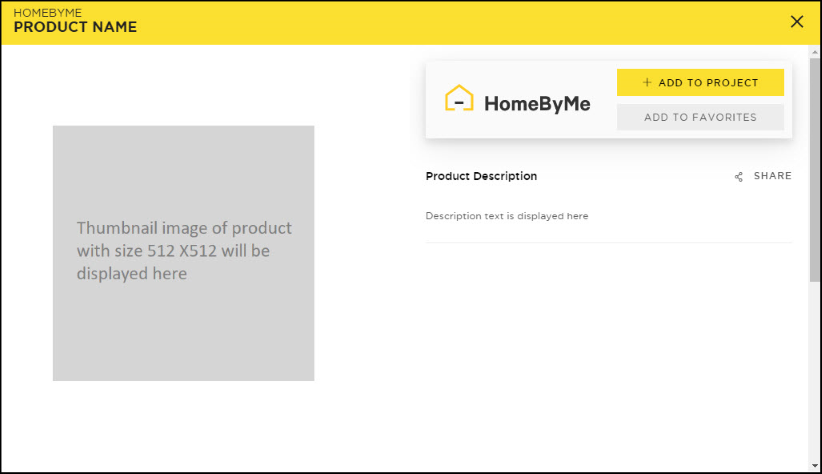
- A short and a long descriptions
- A price or the calculation mode
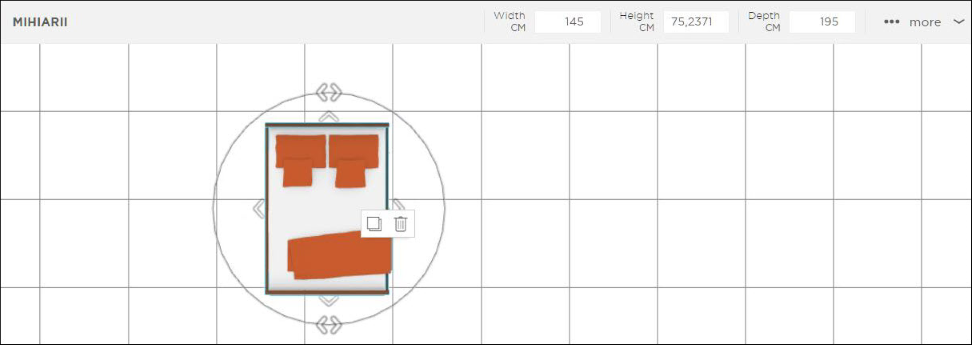
- Dimensions
- A client internal ID
Parameters Entries
Parameter entries describing the composition and the options of the product. Depending on the kind of product, the ByMe platform requires to specify some mandatory technical properties. |
All this information is used by the ByMe Planner to build the following views:
Sort and Filter Information
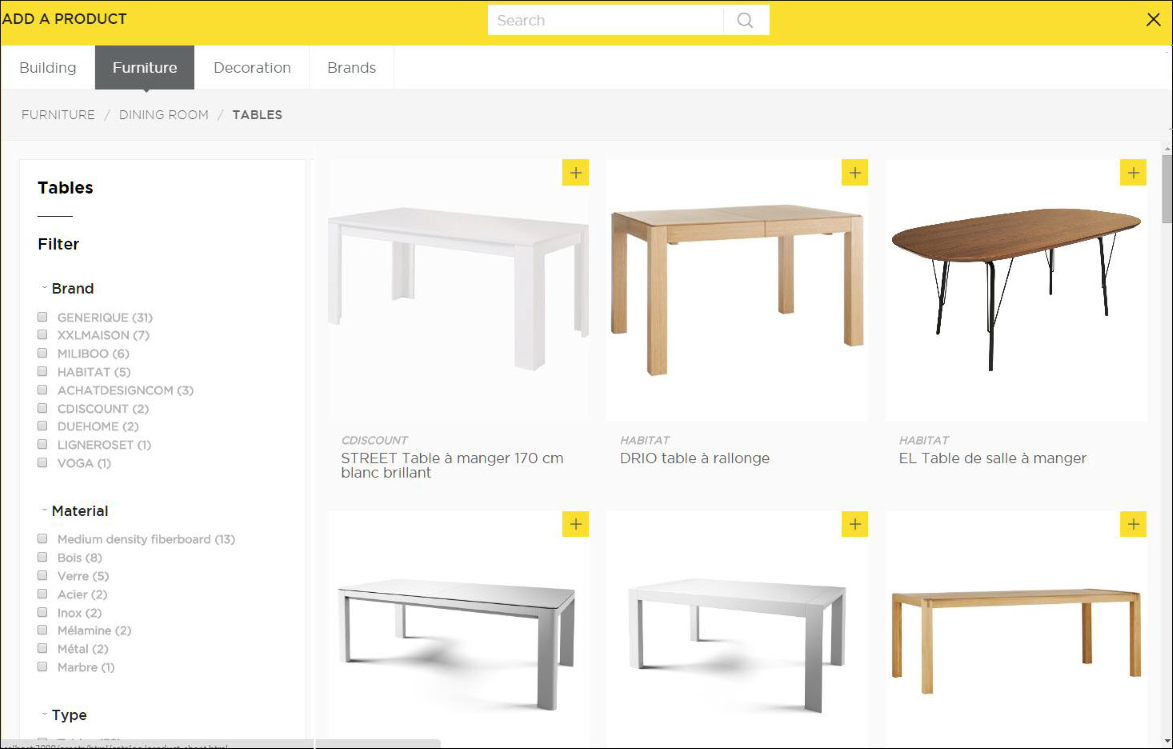
Classification information is used to help to sort products into a hierarchical view as well as to provide powerful search capabilities.
The following classification information can be provided:
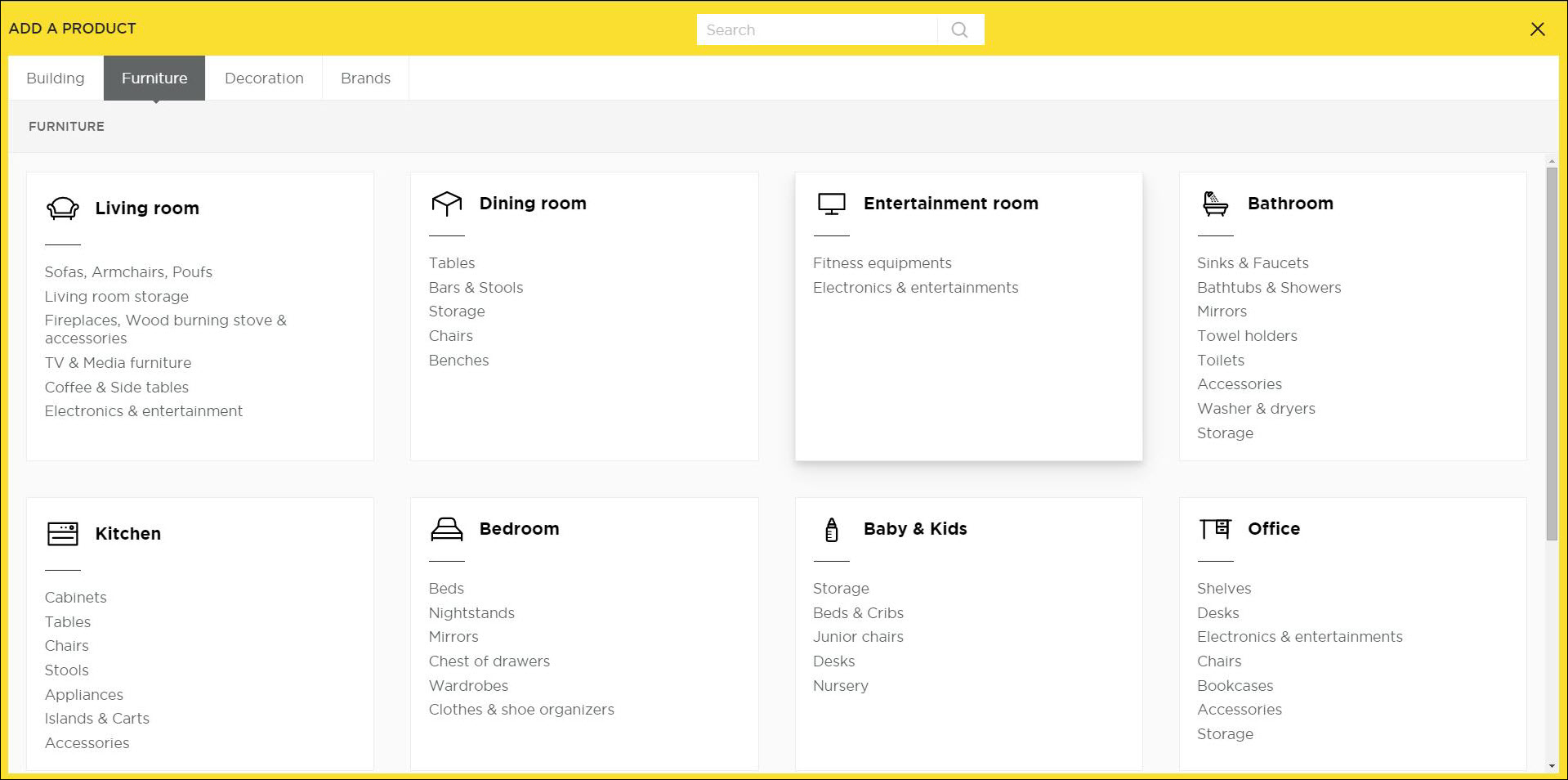
- Main category in the planner: building, furniture, decoration...
- Destination room tags from a list of predefined ones
- Style: modern, classic, etc. The list of style tags is predefined.
- Main colors: black and white or yellow, etc. The list of color tags is predefined.
- Main material: leather, etc. The list of material tags is predefined.
- Free tags that help to classify.
The ByMe planner uses this information in order to build the following views:
3D Representation
The 3D representation of the object is provided through:
- DAE format packaged in a ZIP file (to embed the textures). Only in the case of furniture or openings.
- SQ3 format: A binary legacy format applicable only for furniture and only in special cases.
- BM3MAT format when it is a material.
In the future other formats will be supported. Three levels of quality are accepted (low, medium and high). The low quality or medium quality are used in the 3D planner based on the user's computer GPU and CPU capabilities; the high quality is used for HQ rendering.
| Max. number of triangles | Max. resolution per texture | Max. total size of textures | |
|---|---|---|---|
| Level 1 (high) | Unlimited | Unlimited | Unlimited |
| Level 2 (medium) | 10000 | 512x512 | 1Mo |
| Level 3 (low) | 5000 | 128x128 | 128Ko |
If only one level of quality is provided and if it is relevant, the ByMe platform will generate the lower quality level.
2D Representation
A 2D floor plan representation is used for doors, windows, stairs and is provided through SVG format.
Otherwise, an image of the product is in jpeg format must be provided. It is used as thumbnail and in the planner. Three levels of resolution are supported (small, medium and large). Exact dimension will be provided later on.
❗ 2D and 3D representations are provided via an URL. This means that the resources should be accessible from ByMe platform via http or https.
Product Behavior
The behavior includes the following:
- How placing the product affects the building. In case of openings, the way the hole is made.
- How the object is manipulated on the scene: on floor only, on walls only or freely.
Possible Collisions with other Products
📌 The behavior below is described only for the translate manipulator. The rotate manipulator does not take in account the collisions, and either the measure auto command.
Definitions
Collisions can be defined with the parameter collision of behaviors.
By default, if the parameter collision is not defined, the parameter has the value 0.
A collision means that a computation of collision is done in order to avoid hard objects to merge with another. The concept of collision is based on computation of the bounding box of objects and not the 3D mesh.
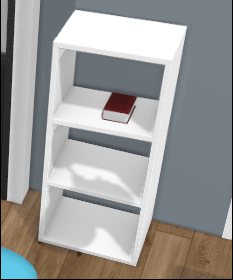
A "non-collision" means that there is no computation of collision. Therefore, objects can be placed into each other (soft objects, such as a book on a shelf).
For instance, this mode is often used for decoration (illustrated below).
Example of a non-collision
In the example below, the book is into the shelve bounding box. The collision parameter is equal to 0.
Collision Matrix
Dragged hard objects (parameter value to 1) will always collide with other objects, irrespective if they are hard or soft objects. There is always a collision when:
| Dragged object | Collided object |
|---|---|
behavior.collide = 1 | behavior.collide = 1 |
behavior.collide = 1 | behavior.collide = 0 |
Dragged soft objects (parameter value to 0) will never collide with other objects, irrespective if they are hard or soft objects. There is no collision when:
| Dragged object | Collided object |
|---|---|
behavior.collide = 0 | behavior.collide = 0 |
behavior.collide = 0 | behavior.collide = 1 |