Overview
This section provides brief information on "HomeByMe for Home Retailers" website and its user experience along with its user guide details such as document structure, and conventions used in this document.
About HomeByMe for Home Retailers User Guide
"HomeByMe for Home Retailers" is an online 3D planning experience, where one can furnish their home interior and exterior with the retailers catalog of products. It provides a seamless user experience, grows the retailers online baskets as well as accelerates the sales cycle.
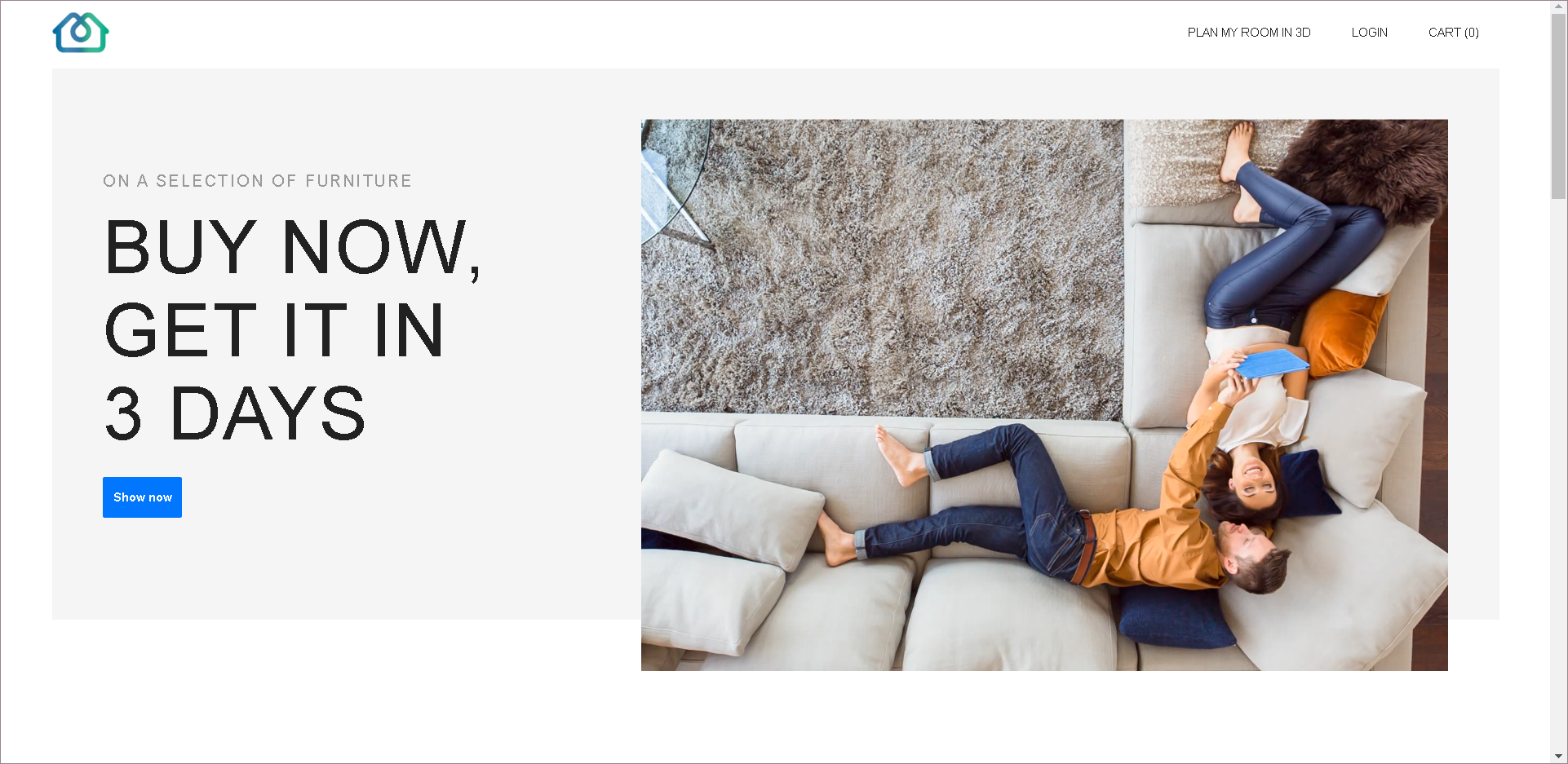
The planning experience in 3D is part of a whole customer journey starting from the retailers website.
This documentation uses website for demo-example, just for illustration purpose.
Document Structure
This document is organized to reflect the customer journey starting, on the retailers website, designing, furnishing and decorating their project on "HomeByMe for Home Retailers" application and finalizing their order on the retailers website. The step-by-step approach guides you through each step in a process and shows the results.
The sections of this document are examples of implementation, which means that sections/topics/catalogs can be modified according to Range Manager's requirements.
Hence, these sections may appear different in a modified application.
| Section | Title | Topics Discussed |
|---|---|---|
| 1 | Get Started | Shows how to launch the 3D planner, start from a room, and icons used in the application. |
| 2 | Draw the floorplan | Demonstrates initiate plan and draw plan features commonly used to set up a project. |
| 3 | Furnish My Project | Provides guided instructions to add products, configure products, and create favorite products. |
| 4 | Finalize My Project | Discusses capture and view methods for media of project, print and export project. |
| 5 | Access My Project | Provides guided brief instruction on project creation and access by login, my account details. |
| 6 | Recover My Project | Explains about recovering projects when browser crashes or an issue occurs while saving projects. |
Conventions Used in this Document
| Convention | Meaning |
|---|---|
| Bold | Any "HomeByMe for Home Retailers" user interface element that you can select, such as a catalog or menu item |
| Italic | References to books and other documents, or to emphasize text |
| Link | Link to other document or website |
| Note: | Mandatory/precautionary step, or a reason behind such output/behavior |
| Recommendation: | A recommendation/tip for simpler and better usage of application |
| > | Click this option from the options available Example: My Account > Logout |
| >> | Select/choose one from the list available Example: Living room >> TV and Media furniture |
The Available Shortcuts
Several shortcuts are allowed in the planner to do some actions, the list is described below:
| Shortcut (Windows) | Shortcut (Mac) | Description |
|---|---|---|
| Ctrl + A | Cmd + A | Select all the products in the project |
| Ctrl + C | Cmd + C | Copy the current selection |
| Ctrl + V | Cmd + V | Paste the current selection |
| Ctrl + D | Cmd + D | Duplicate the current selection |
| Ctrl + F | Cmd + F | Open the global search |
| Ctrl + S | Cmd + S | Save the current project |
| Ctrl + Z | Cmd + Z | Undo the last action in the planner |
| Ctrl + Shift + Z | Cmd + Shift + Z | Redo the last action in the planner |
| Delete | Delete | Delete the current selection |
| Enter | Enter | Enter the current selection |
| Esc | Esc | Escape the current selection |
| Alt + ↑ | Alt + ↑ | Move up the avatar (virtual visit) |
| Alt + ↓ | Alt + ↓ | Move down the avatar (virtual visit) |
| Shift + → | Shift + → | Rotate right the avatar (virtual visit) |
| Shift + ← | Shift + ← | Rotate left the avatar (virtual visit) |
| Shift + ↑ | Shift + ↑ | Rotate high the avatar (virtual visit) |
| Shift + ↓ | Shift + ↓ | Rotate low the avatar (virtual visit) |
| ← | ← | Move the avatar clockwise |
| → | → | Move the avatar counterclockwise |
| ↑ | ↑ | Move forward the avatar |
| ↓ | ↓ | Move backward the avatar |
| Alt + ↑ | Alt + ↑ | Zoom in |
| Alt + ↓ | Alt + ↓ | Zoom out |
| Shift + → | Shift + → | Rotate right the avatar |
| Shift + ← | Shift + ← | Rotate left the avatar |
| Shift + ↑ | Shift + ↑ | Rotate high the avatar |
| Shift + ↓ | Shift + ↓ | Rotate low the avatar |
| Ctrl + Click Left | Cmd + Click Left | Multi-selection of the elements in the planner |
| Ctrl + U | Cmd + U | Change unit measure dynamically in the application |
| Ctrl + H | Cmd + H | Open the help center |
| Ctrl + F6 | Cmd + fn + F6 | Switch between 2D, 3D, and Front Elevation views |
- You can also copy/paste the products from one project to another with the copy (Ctrl+C) and paste (Ctrl+V) shortcuts except opening/bay products like door/windows.
- You can select multiple products by simultaneously pressing the Ctrl key, left click of the mouse and dragging the cursor over the desired products.