
Create Favorites
This section provides detailed steps on creating favorite list, adding favorite to the project, and deleting saved favorites.
Create Favorite List
You can create a list of favorite products, and access them quickly.
Steps to create a list of favorite products and add products to it:
- Click Favorites.
- Enter credentials to your account, click Login
Note:
If you have already logged in, create a new list option displays.
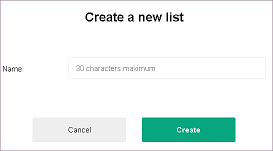
- Click Create a new list.
- Enter a list name, click Create.
List created.
- Click Search a product.
- Enter the product name/material/type/color in search bar.
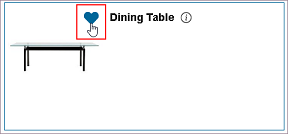
- Click favorite.
- To add to an existing list, click Add.
To create a new list, click Create a new list, repeat from step 3.
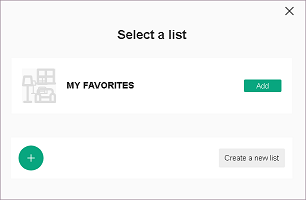
Product is added to favorite list.
Note:
Favorite products are saved to your account. You can access them in other projects.
Add Favorite Products to Project
Steps to add favorite products to project:
- After adding favorites products, click Favorites.
- Favorite products lists display.
Lists have total number of products mentioned below the list name.
To delete the list, click delete.
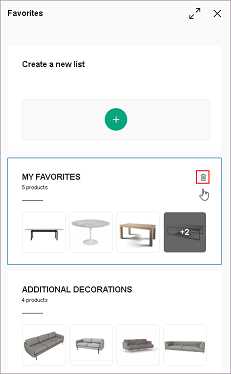
- Select a list, to view products in it.
Products in the list display.
You can rename the list.
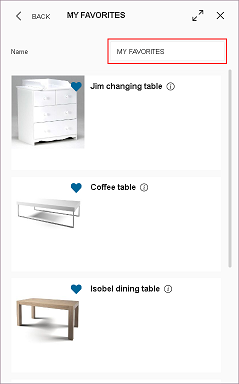
- Select product to add to project.
Product is added to project.
Delete Favorites
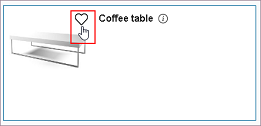
To remove a product from a list, click favorite.
Click yes to remove product from list.
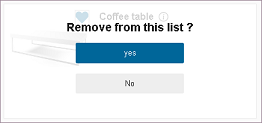
Product is removed from the list.