HomeByMe for Home Retailers Documentation

›3DCloudByMe

Geometry and Materials Reference

  • ByMe Geometry and Materials Reference
  • Import Geometries
  • Import Materials
  • Level of Details (LOD) and Simplification
  • Recommendations
  • Preparing Models for Variability

Product and Assembly Reference

  • About Products
  • Assemblies
  • Generic Products
  • Overrides
  • Collision Parameters

3DCloudByMe

  • Introduction
  • Users Roles and Interface Language
  • Range Creation, Verification and Update
  • Product Catalog
  • Families
  • Product Rules
  • Materials

Geometry Editor

  • Introduction Geometry Editor
  • Working with Geometry Editor

Assembly Editor

  • Introduction
  • Assembly Editor User Interface

Set up your Range through 3DCloudByMe

  • Set Up your Range through 3DCloudByMe
  • Set Up Materials
  • Set Up the Pricing

Families


Families are made for HomeByMe.com. They are used to link similar products from one to another, without requiring parameters and/or mapping logic.
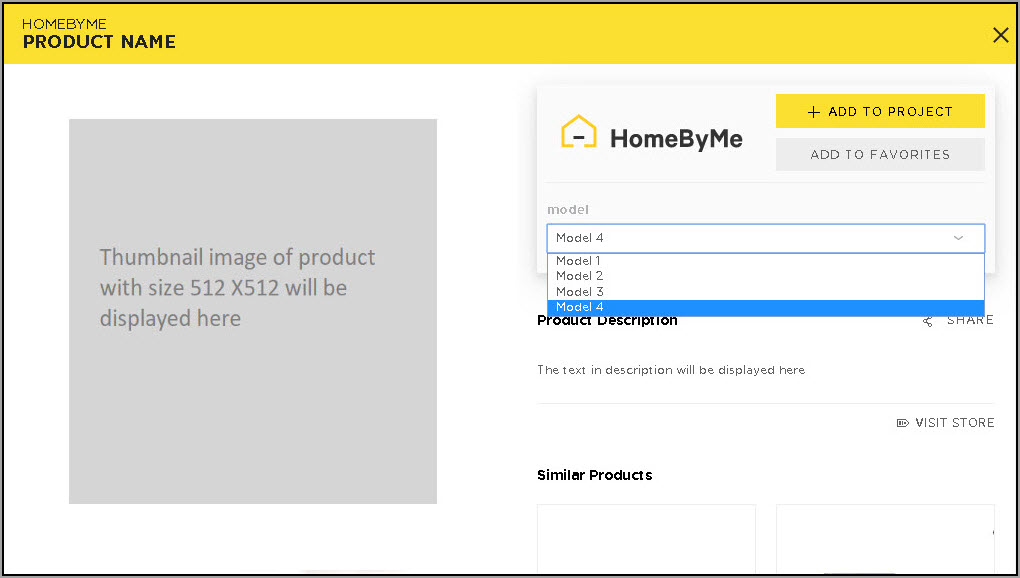
Families

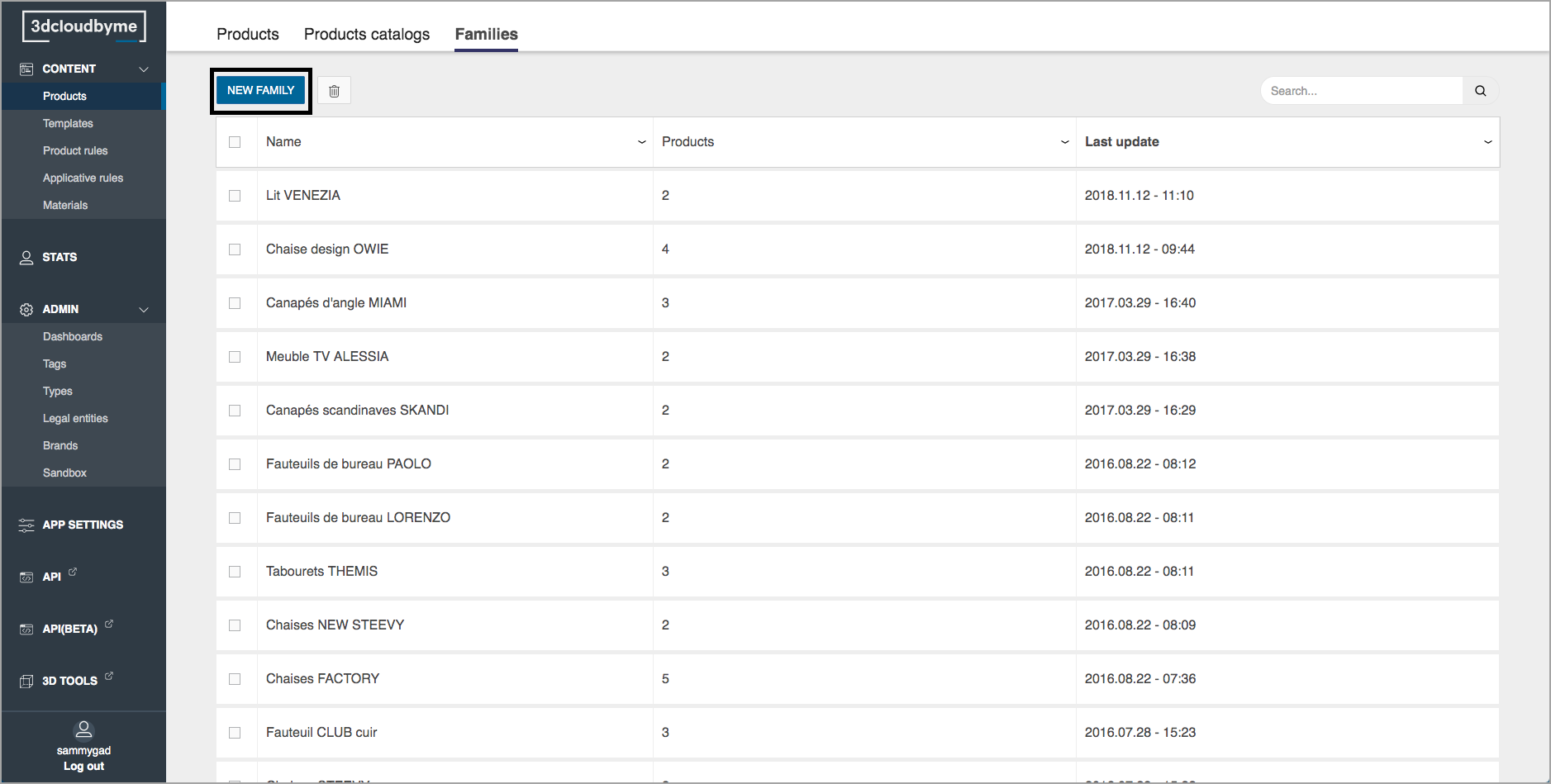
Create a Family

  1. Go to the Families tab on the top of 3DCloudByMe page.
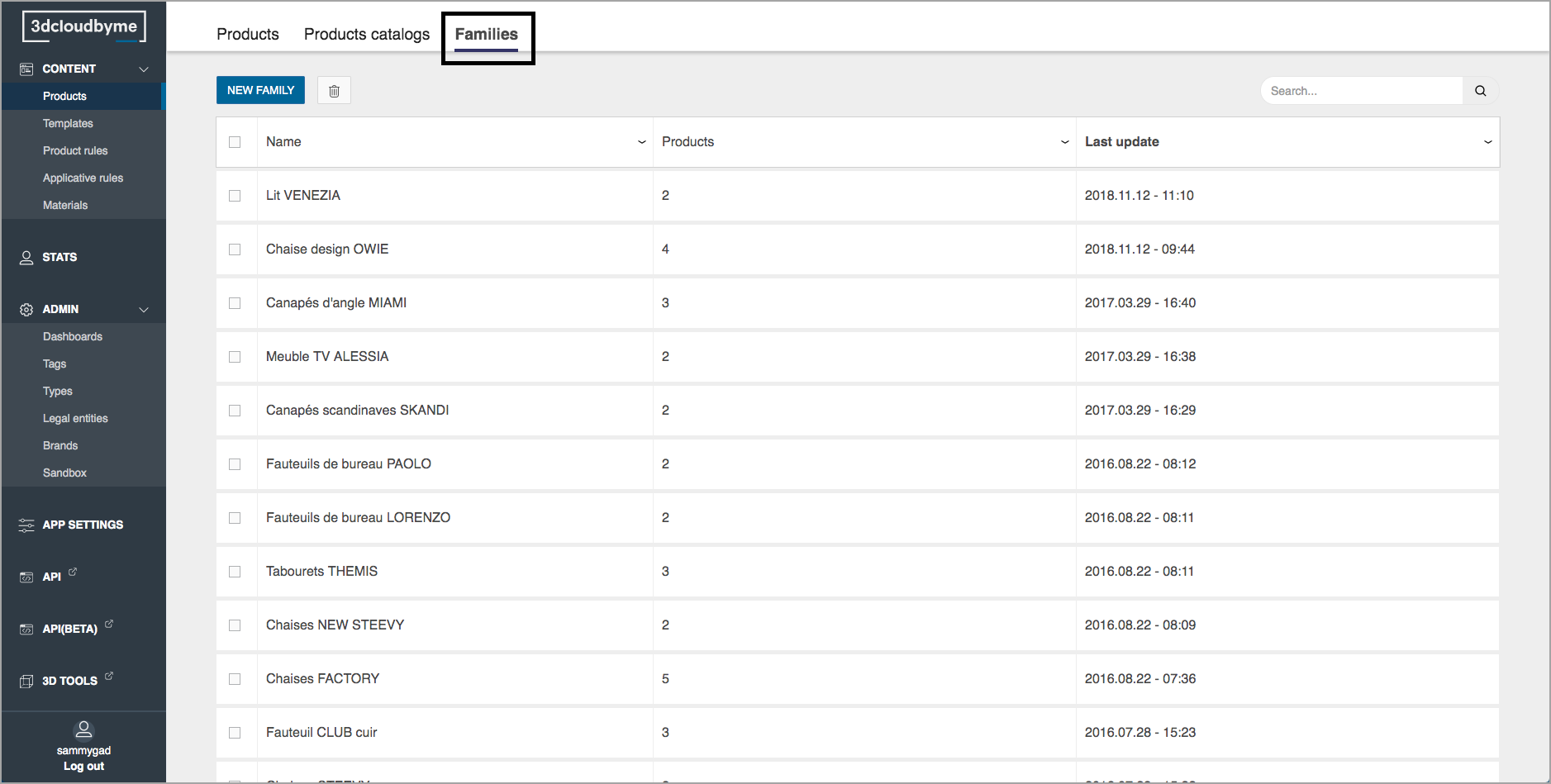
    Create Family
  2. Click "New family" button.
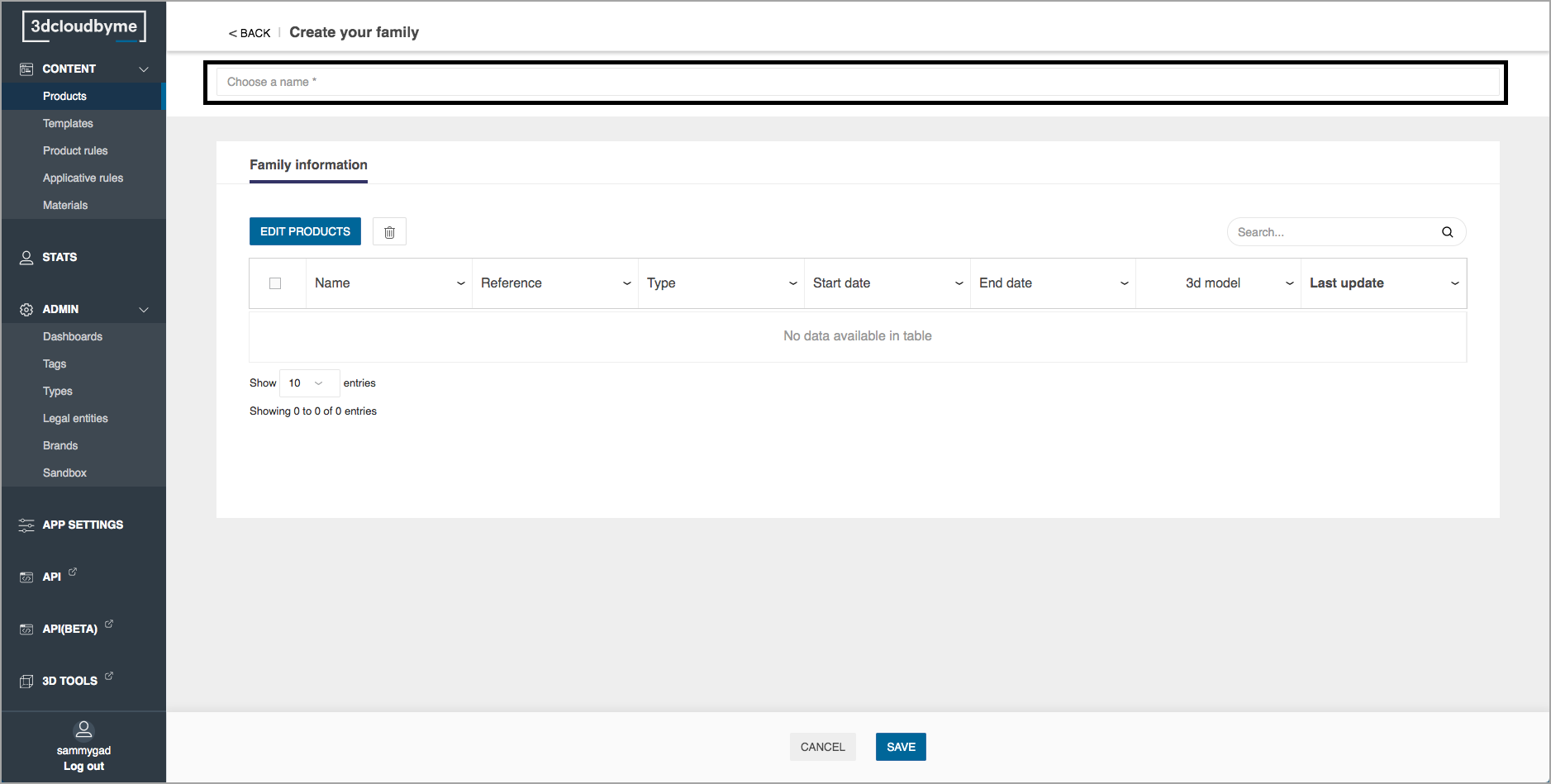
    Create Family2
  3. Add a name to the family.
    Create Family3
  4. Select the save button to create the family.
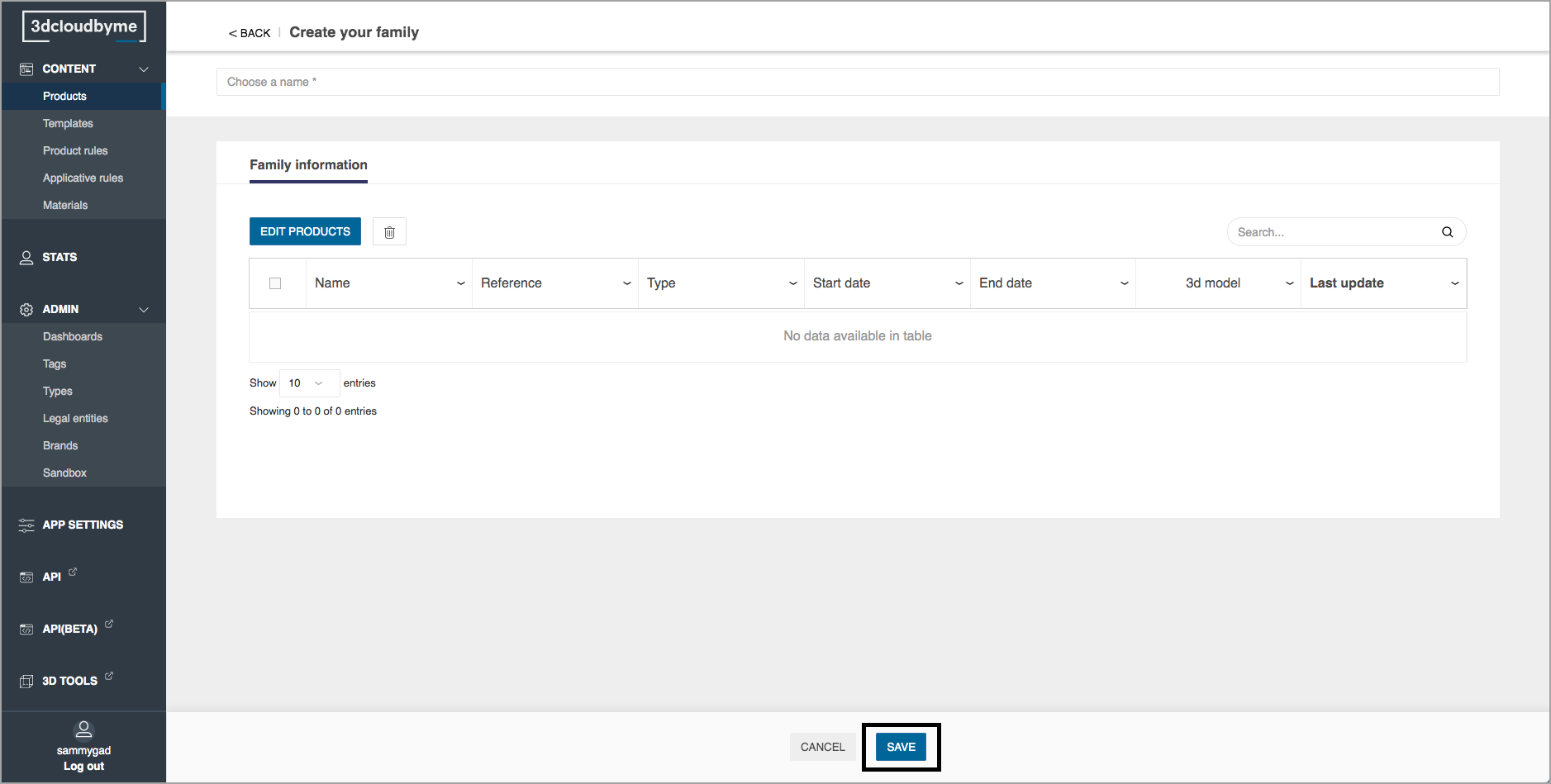
    Create Family4

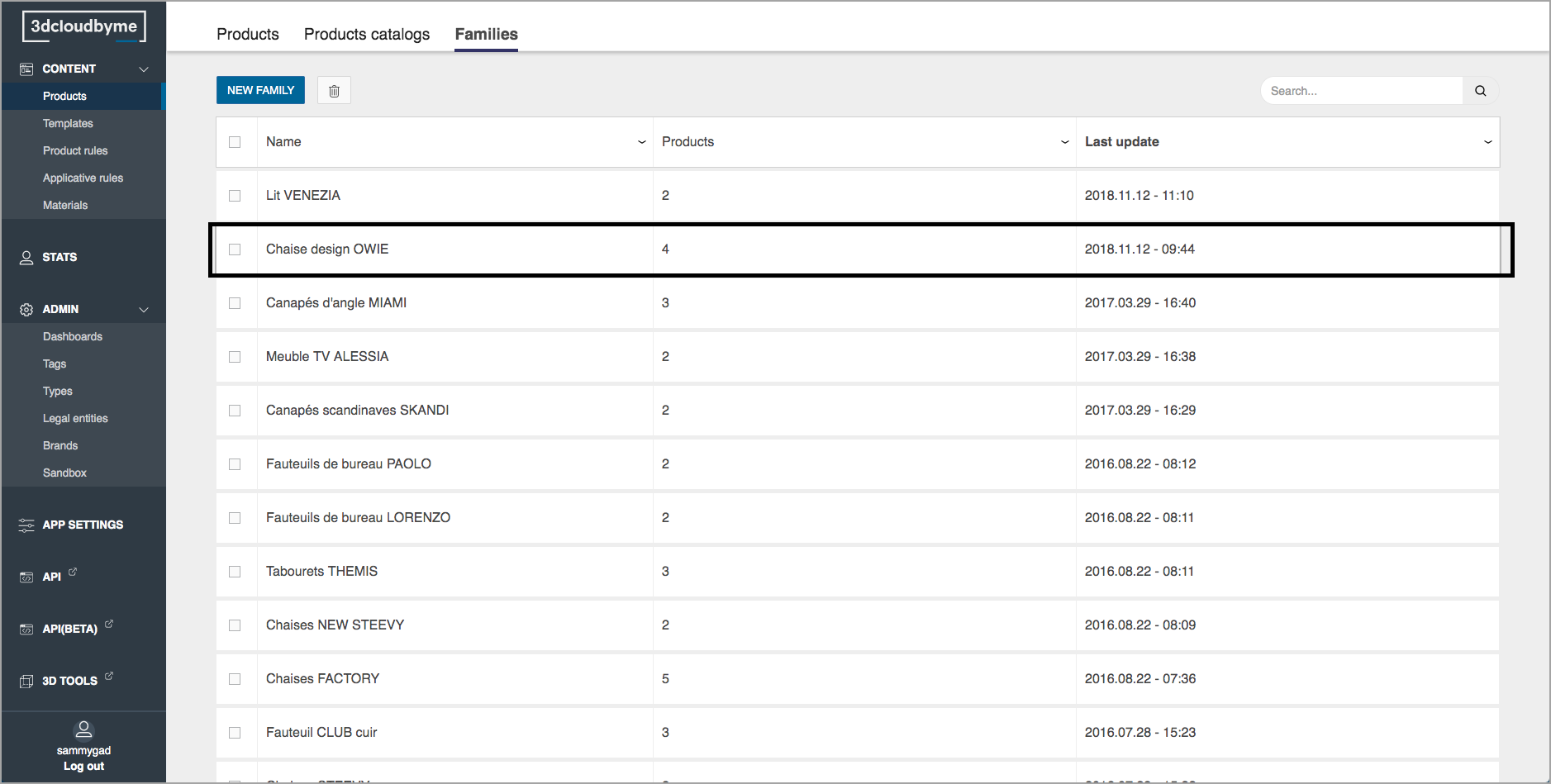
Edit a Family

  1. Select the family to edit.
    Edit Family
  2. Select the edit products button to add products into the family.
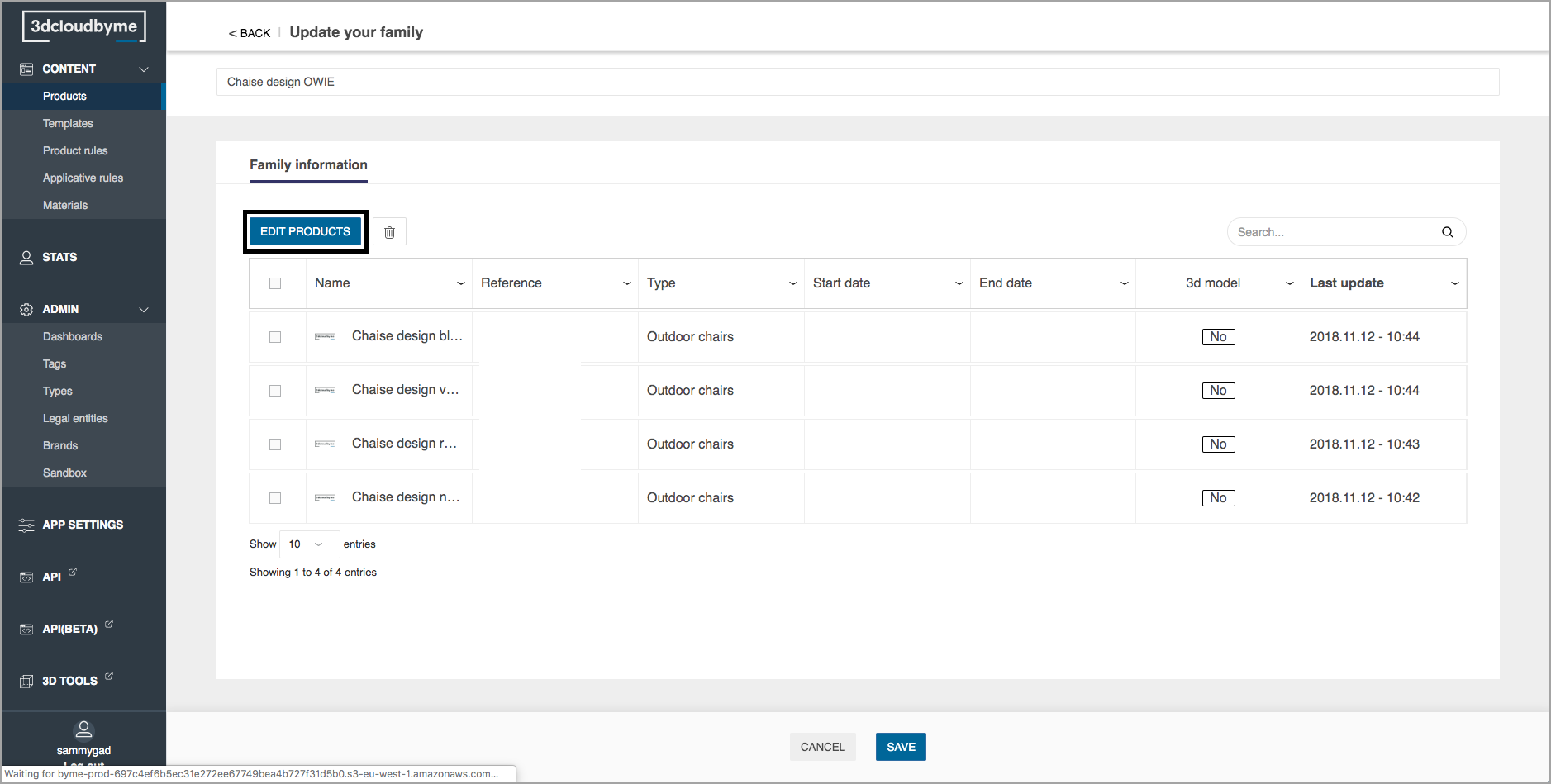
    Edit Family2
  3. Select the products to add into the family.
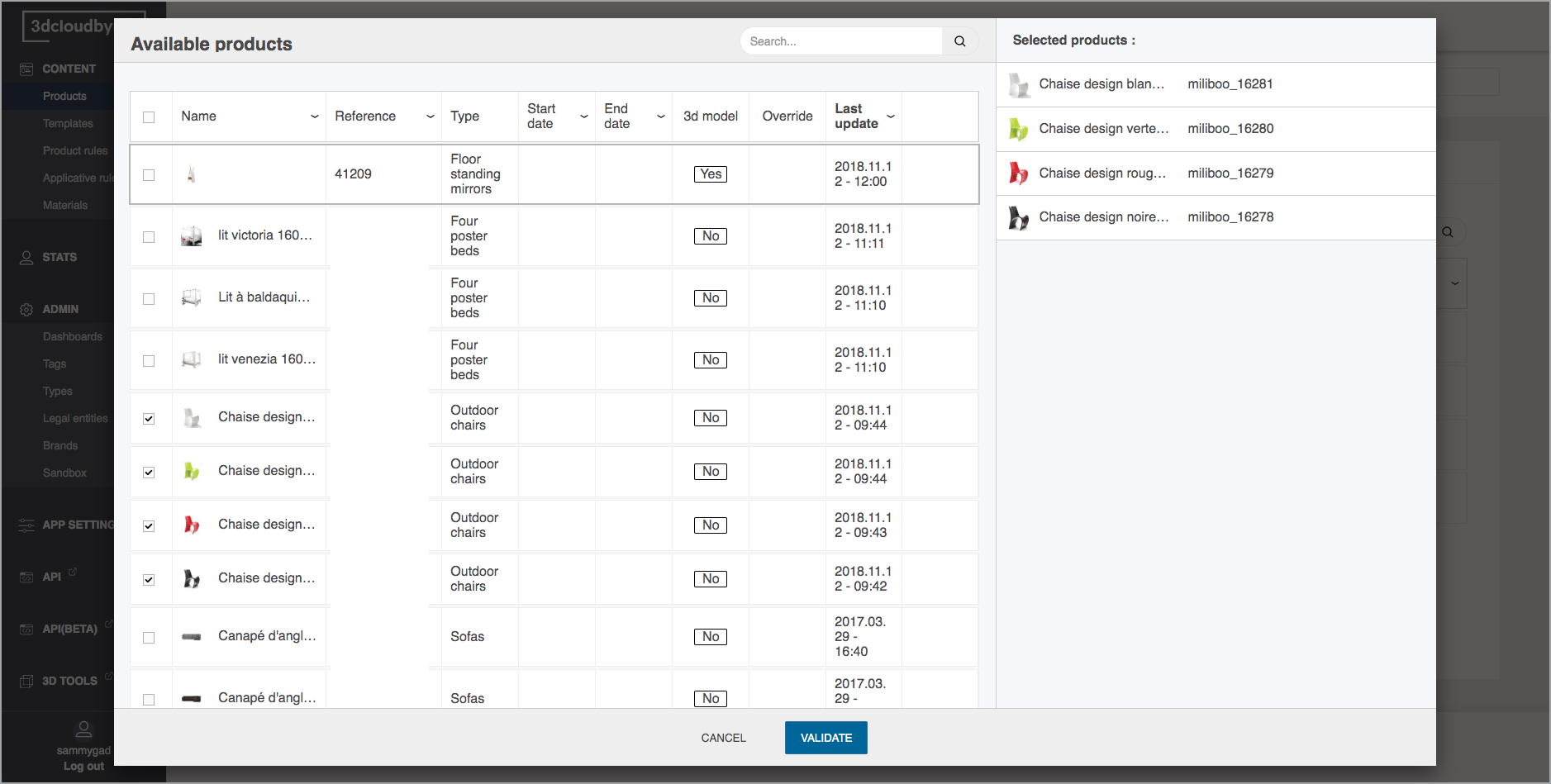
    Edit Family3
  4. Click on validate once the selection has been made to insert the selected product into the family.
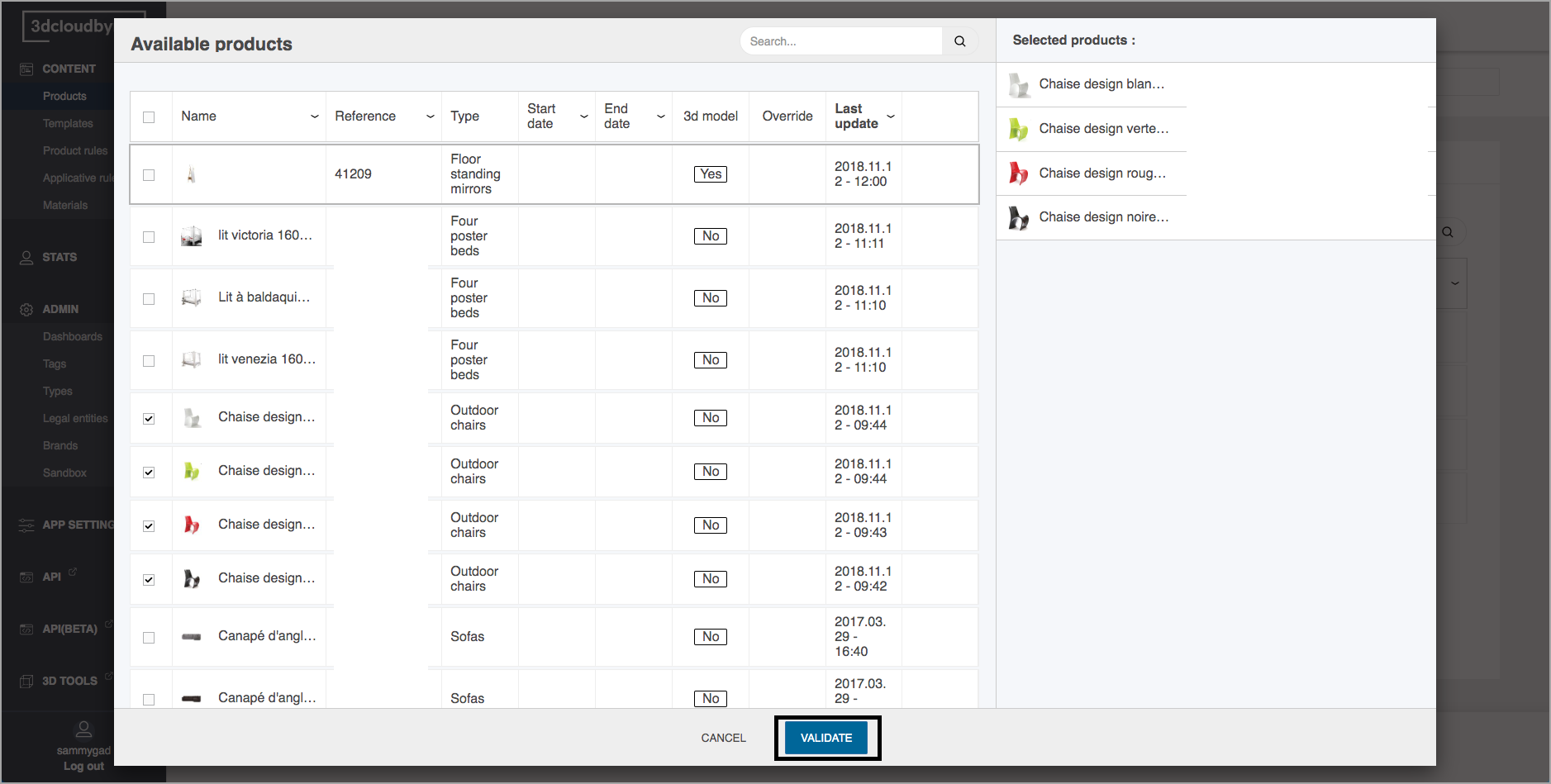
    Edit Family4
  5. The products are inserted into the family dashboard. Do not forget to save the changes.
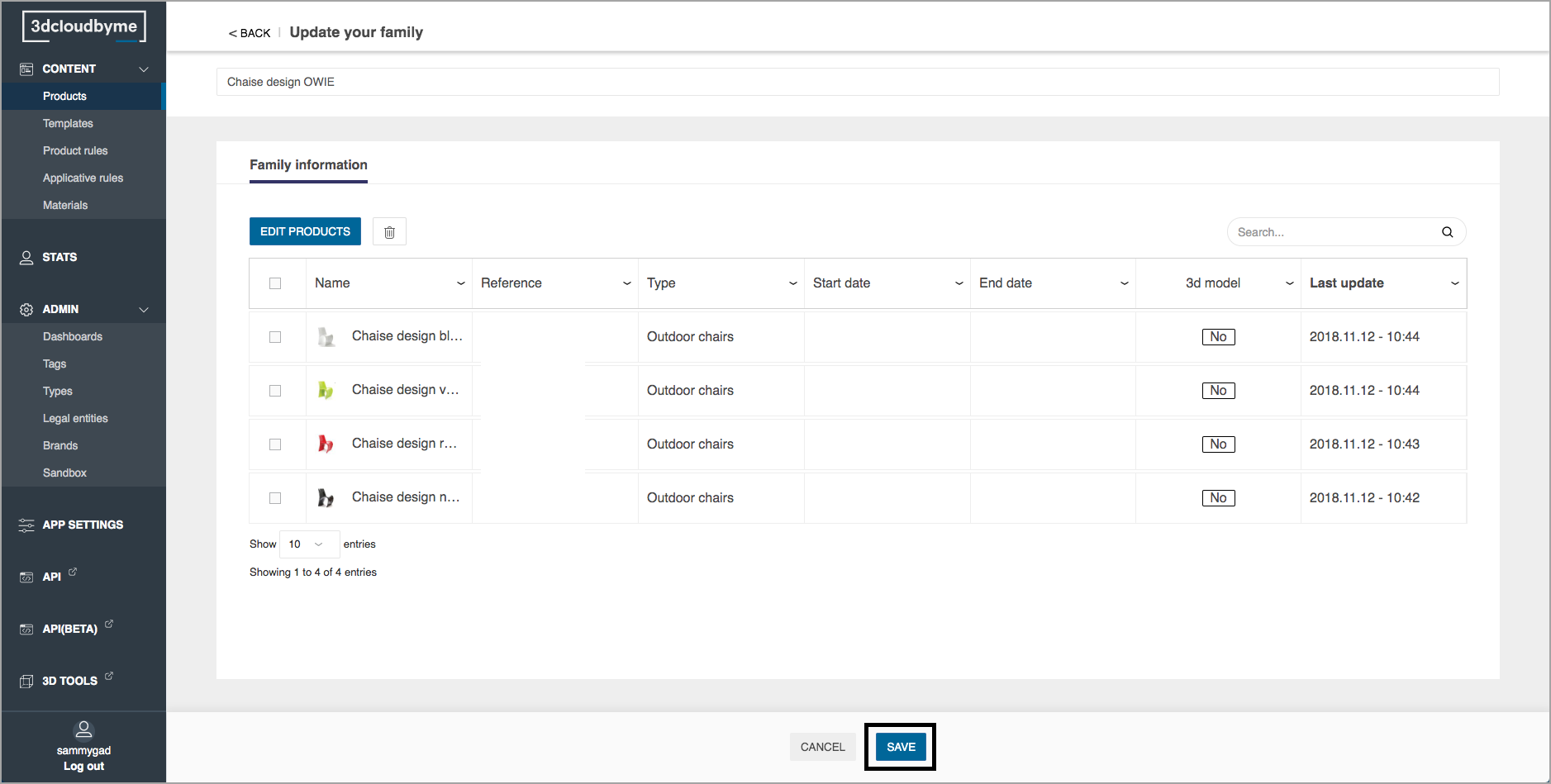
    Edit Family5
← Product CatalogProduct Rules →
  •  
    • Create a Family
    • Edit a Family
3DVIA Documentation
Copyright © 2021 Dassault Systèmes