HomeByMe for Home Retailers Documentation

›3DCloudByMe

Geometry and Materials Reference

  • ByMe Geometry and Materials Reference
  • Import Geometries
  • Import Materials
  • Level of Details (LOD) and Simplification
  • Recommendations
  • Preparing Models for Variability

Product and Assembly Reference

  • About Products
  • Assemblies
  • Generic Products
  • Overrides
  • Collision Parameters

3DCloudByMe

  • Introduction
  • Users Roles and Interface Language
  • Range Creation, Verification and Update
  • Product Catalog
  • Families
  • Product Rules
  • Materials

Geometry Editor

  • Introduction Geometry Editor
  • Working with Geometry Editor

Assembly Editor

  • Introduction
  • Assembly Editor User Interface

Set up your Range through 3DCloudByMe

  • Set Up your Range through 3DCloudByMe
  • Set Up Materials
  • Set Up the Pricing

Materials


The texture assets used to make 3D representations realistic can be either:

  • Created as "Materials" in 3DCloudByMe as described here, and referenced from several 3D representations;
  • Or directly embedded in the 3D representation, asset itself, in which case there are not visible in the section described here.

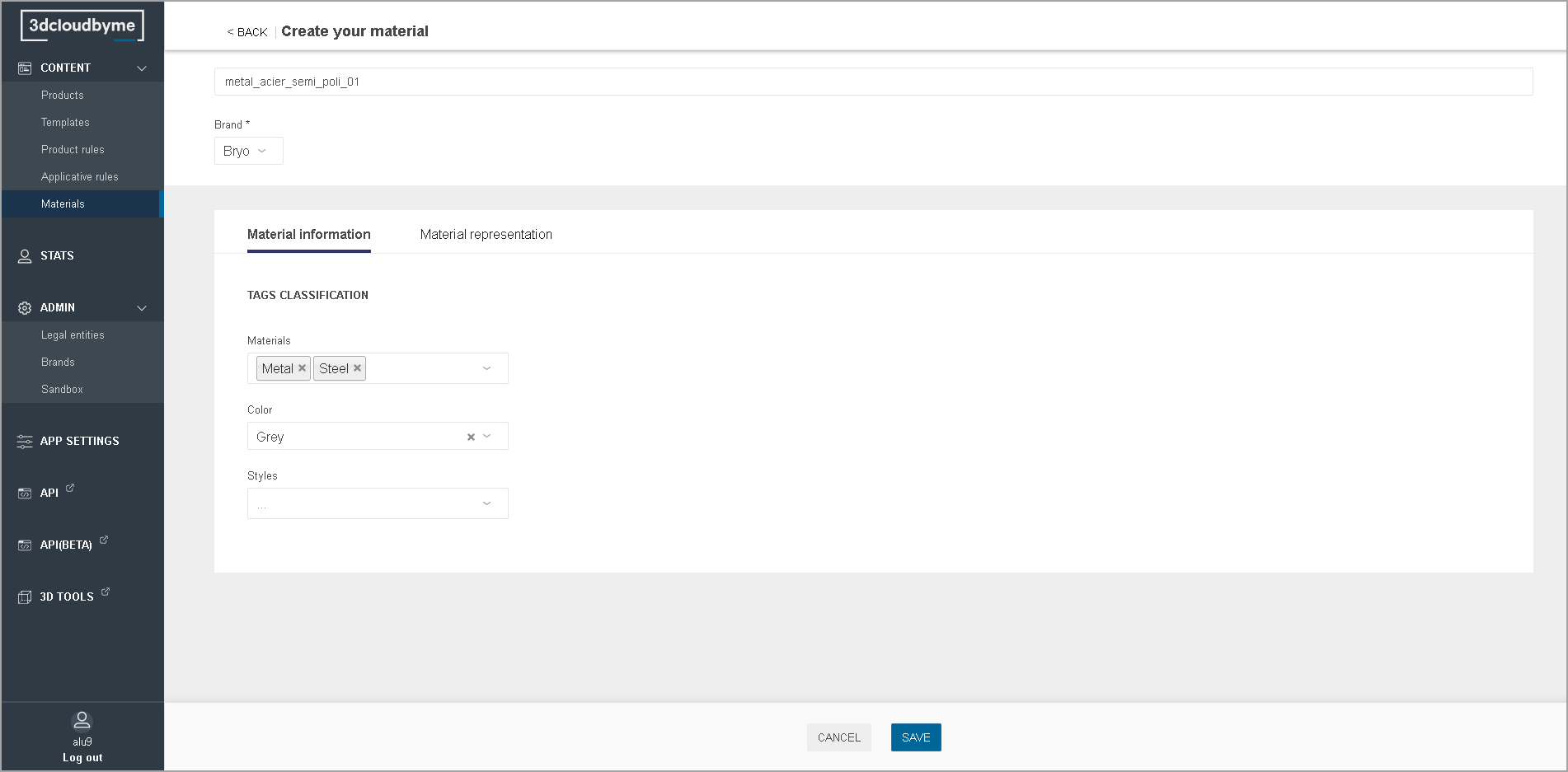
Material Information

Name: free form;
Brand: mandatory;
Tags, Colors, Styles: maps to closed tags of the corresponding type. This data is used for filtering in HomeByMe.com product browser.
Materials Information

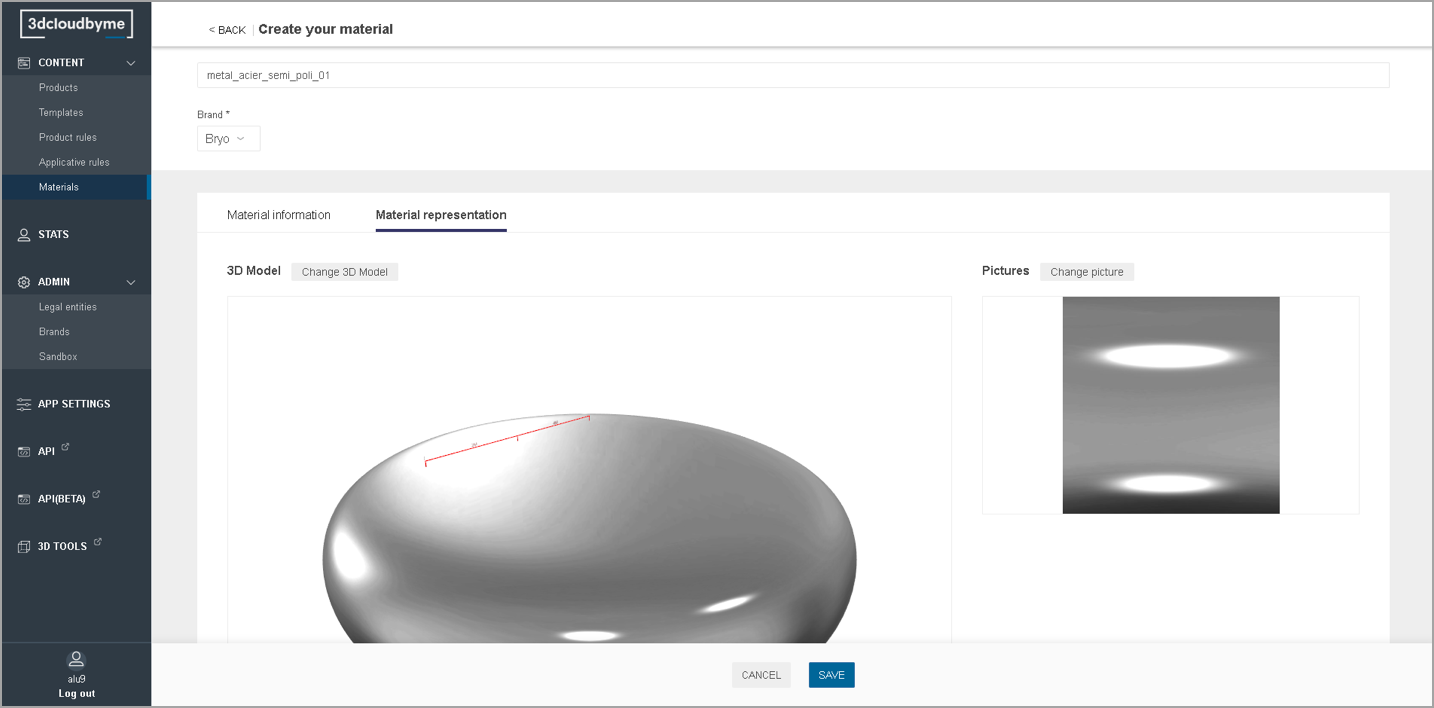
Material Representation

This section allows the upload of the two material representations:

  • Texture file (type BM3Mat) produced in Geometry Editor;
  • Thumbnail.
    Materials Representation
← Product RulesIntroduction Geometry Editor →
  •  
    • Material Information
    • Material Representation
3DVIA Documentation
Copyright © 2021 Dassault Systèmes